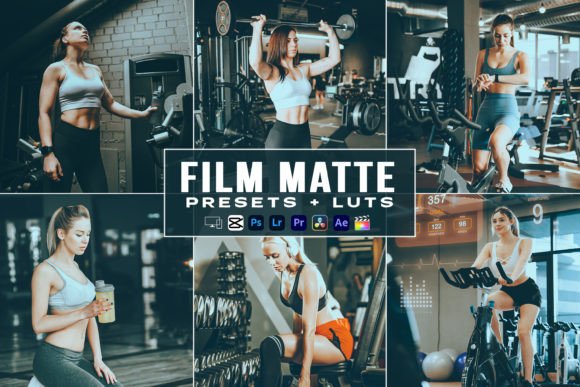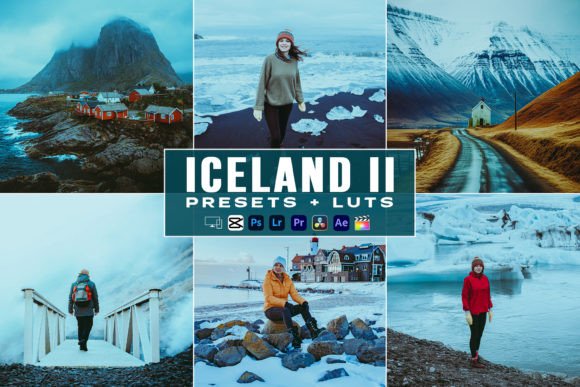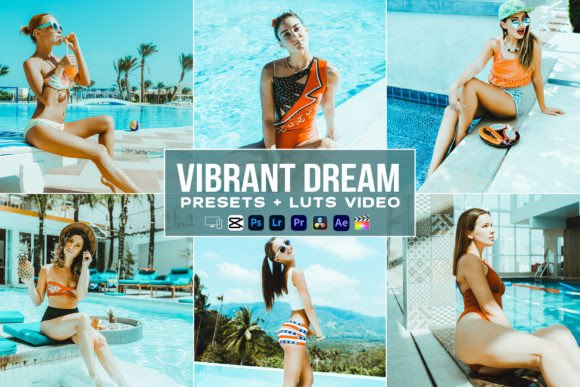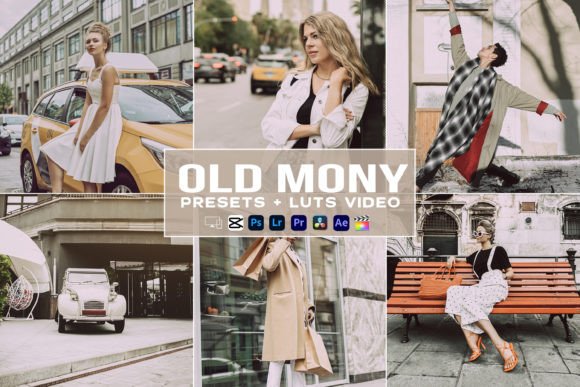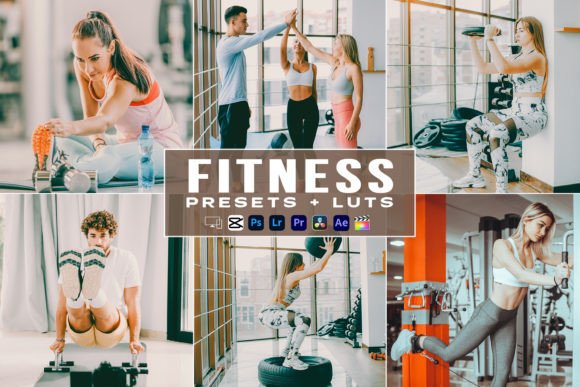
Fitness Presets & LUTs for Premiere Pro Editing
Creating high-energy content for fitness, travel, or lifestyle niches requires more than just good camera work; it demands a consistent visual identity that captures attention instantly. The Fitness Presets Luts Videos Premiere Pro collection is designed specifically to bridge the gap between raw footage and professional-grade aesthetics without requiring hours of manual color grading. This toolkit serves as a comprehensive solution for creators who need to maintain a cohesive look across both video and photography platforms, ensuring that your Instagram feed, TikTok clips, and YouTube vlogs all share the same polished, vibrant atmosphere.
At its core, this pack eliminates the technical barrier to entry for color correction. Instead of spending valuable time tweaking curves, saturation levels, and white balance for every single clip, you can apply these carefully crafted adjustments with a single click. Whether you are highlighting the intensity of a gym workout, the serene tones of a travel destination, or the dynamic movement of a sports highlight reel, these presets provide an immediate baseline that enhances skin tones and environmental details while maintaining a natural, authentic feel.
Cross-Platform Compatibility for Modern Creators
One of the most significant advantages of this collection is its versatility across different devices and software ecosystems. Modern content creation rarely happens in a vacuum; you might edit a full-length YouTube video on a desktop but need to create matching Reels or Stories on your phone while traveling. This pack acknowledges that hybrid workflow by including specific file formats tailored for each environment.
For mobile editing, the inclusion of DNG files is essential. These are specifically formatted for the free Lightroom Mobile app, allowing you to apply professional color grades directly from your smartphone. This means you can shoot, edit, and post high-quality content from anywhere without needing a laptop. Conversely, the XMP files cater to desktop users working within Adobe Lightroom Classic and Photoshop CC. This ensures that if you start an edit on your phone and finish it on your computer, or vice versa, the color science remains consistent.
On the video side, the LUTs (Look-Up Tables) included in this pack are engineered for broad compatibility. While they are optimized for Adobe Premiere Pro, they function seamlessly across a wide spectrum of industry-standard software. This includes Adobe After Effects, DaVinci Resolve, and Final Cut Pro. Furthermore, they work with accessible consumer-grade editors like VN Video Editor, Filmora, Sony Vegas Pro, Affinity, Edius Pro, Avid Media Composer, HitFilm Pro, and LumaFusion. This extensive compatibility ensures that no matter which tool you prefer or what hardware you own, you can achieve the same signature look.
What Is Included in the Pack
Understanding exactly what you are getting helps streamline your workflow. The package is curated to be lean yet effective, avoiding bloatware while providing distinct options for different moods and lighting conditions. The contents include:
- 03 Video LUTs: Designed for major editing software to grade footage instantly.
- 03 Desktop Lightroom Presets: XMP files for comprehensive photo editing on PC or Mac.
- 03 Camera Raw Presets: Optimized specifically for Photoshop workflows.
- 03 Lightroom Mobile Presets: DNG files for on-the-go editing via the free mobile app.
- Help File: A guide to assist with installation and application across different platforms.
This balanced selection allows you to test different styles to see which best suits your specific niche. For example, one LUT might be perfect for high-contrast gym environments, while another may better suit outdoor travel vlogging with softer, warmer tones.
Practical Applications for Influencers and Vloggers
The value of these presets extends beyond simple aesthetics; they solve real problems for digital entrepreneurs and hobbyists. For travel vloggers, consistency is key to building a recognizable brand. When your audience scrolls through their feed, they should immediately recognize your content based on the color palette alone. Applying the same Fitness Presets Luts Videos Premiere Pro settings to your B-roll and main footage creates a cinematic thread that ties disparate locations and experiences together into a unified narrative.
Social media influencers and marketers also benefit from the time-saving aspect of these tools. When managing multiple platforms, the pressure to produce daily content can lead to burnout. By automating the color grading process, you reclaim hours each week that can be redirected toward scripting, engaging with your community, or filming new material. For fitness coaches selling online programs, professional-looking visuals establish authority and trust. Grainy, poorly lit, or inconsistently colored videos can subconsciously signal low quality, whereas crisp, well-graded content reinforces the professionalism of your coaching services.
Educators and freelancers can also leverage these tools to enhance presentation materials or client deliverables. If you are creating tutorial content, clear and pleasing visuals help retain viewer attention. The presets are tuned to keep skin tones looking healthy and natural, which is crucial when you are the face of the content. Unlike aggressive filters that can make people look orange or washed out, these adjustments aim to enhance reality rather than distort it.
Important Considerations Before You Begin
While presets and LUTs are powerful shortcuts, they are not magic wands. To get the best results, it is important to understand how they interact with your specific footage. Lighting conditions vary wildly between a sunlit beach and an indoor studio. A preset that looks stunning in bright daylight might require slight exposure or white balance adjustments when applied to darker footage. Always treat the preset as a starting point—a solid foundation upon which you can make minor tweaks to suit the specific scene.
Additionally, ensure your software is up to date before installing. While XMP and DNG files are generally backward compatible, newer versions of Lightroom and Premiere Pro handle color management more efficiently. The included help file is a valuable resource here; taking five minutes to read it can prevent common installation issues and ensure you are applying the effects correctly within your specific software interface.
Finally, consider the resolution and format of your source files. These LUTs are designed to work with standard Rec.709 color space footage, which is what most cameras and smartphones record in by default. If you shoot in Log profiles (like S-Log or C-Log), you will need to apply a conversion LUT first before applying these creative presets to avoid strange color artifacts. Understanding this distinction ensures that your final output looks exactly as intended, helping you take your game or everyday videos to the next level with confidence and ease.